Product Video
How to Make a 360-Degree Product Video from a Photo
Plan a product orbit video, inspect generated views and understand what one source photo cannot establish.
A generated orbit can help you explore a product-video concept, but one photograph cannot establish the object's hidden sides. Start with a restrained camera move and judge the result against real product references. Use a full orbit only when you can verify the surfaces it reveals.
Inspect the generated example
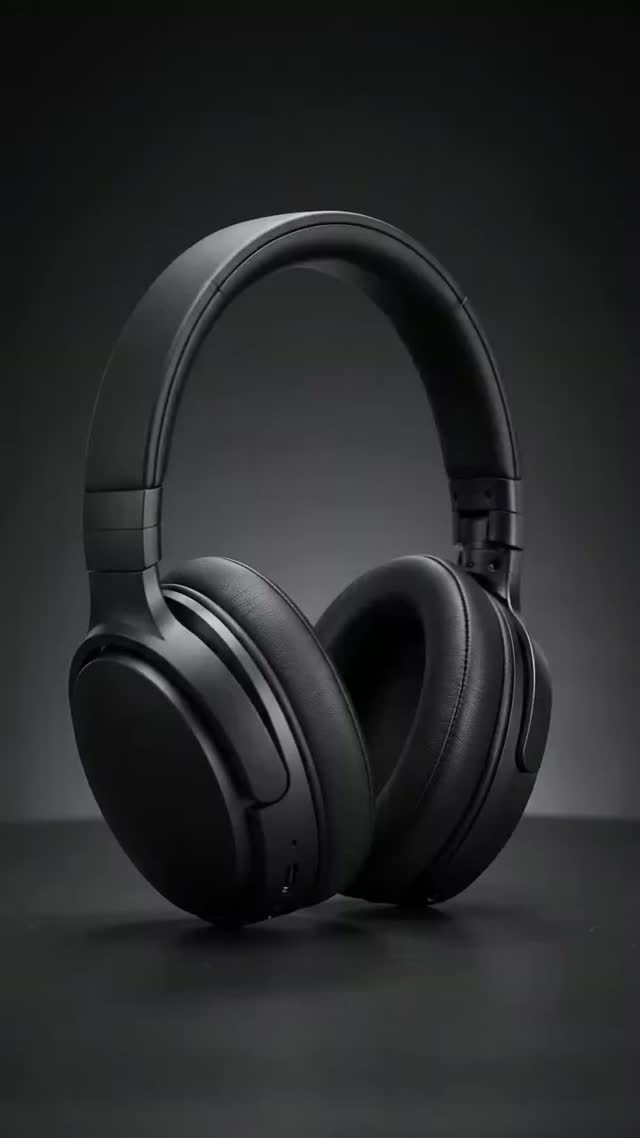
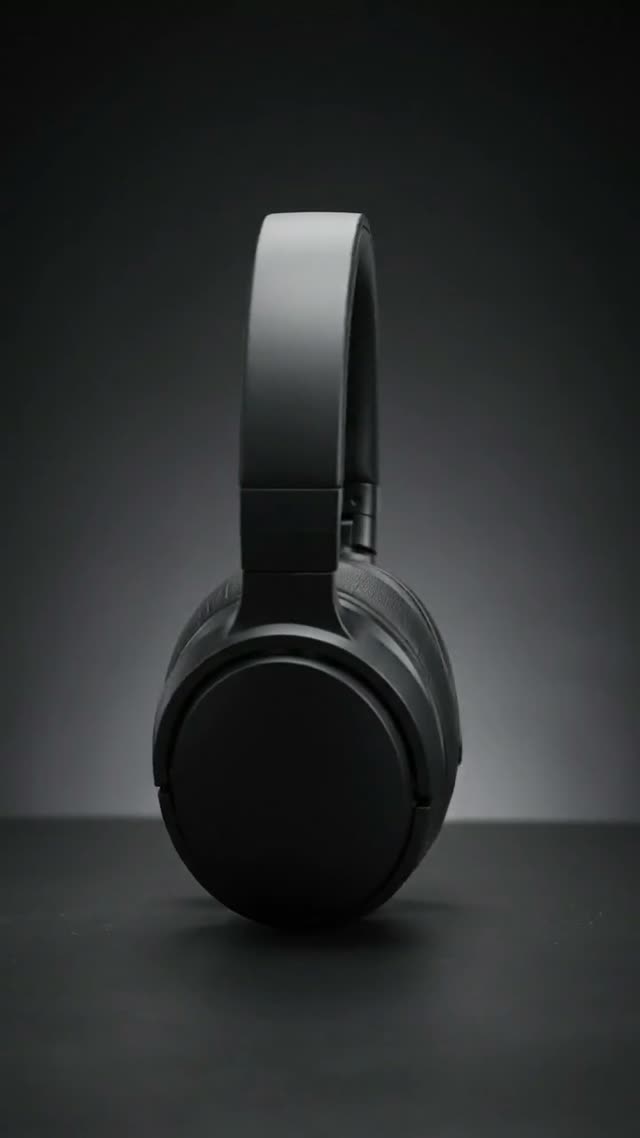
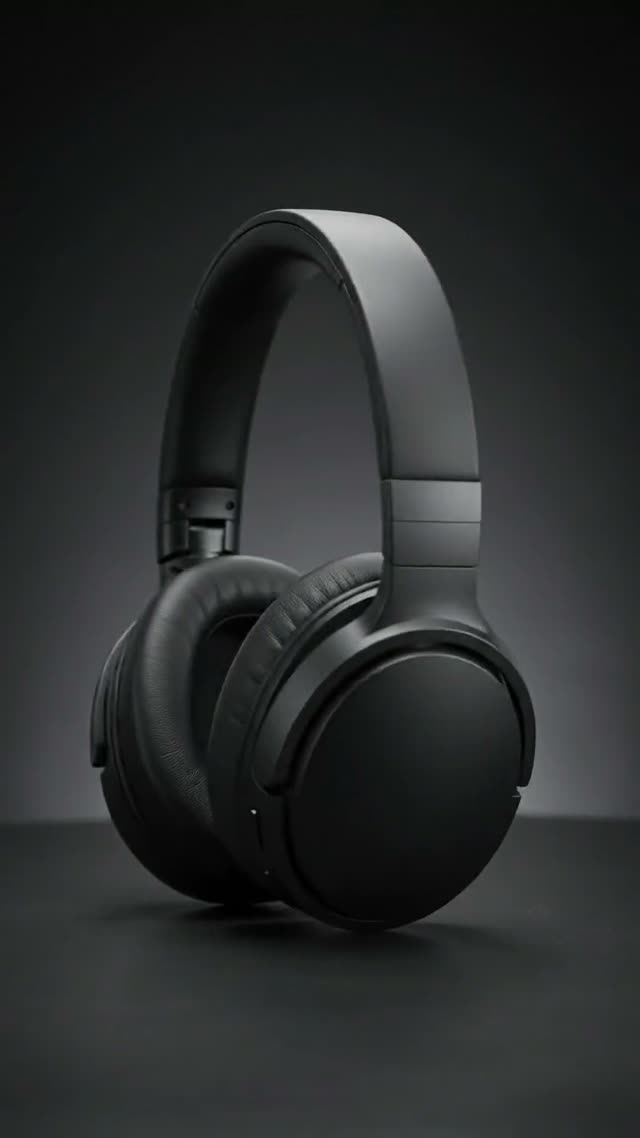
Existing ArtFlame.ai generated headphone demo, approximately 8 seconds. Viewpoints alternate around the headphones. Output frames illustrate what to inspect; they do not establish accurate unseen geometry or prove a continuous physical 360-degree capture. Original input references and generation settings are unavailable. Visual demonstration only; audio is omitted.
Prepare the source
Choose a sharp photo with visible edges and a simple background. Gather additional views if supported by the selected workflow. Reflective surfaces, small text and transparent materials deserve extra review because their appearance changes as the camera moves.
Begin with a partial orbit
A short move around the visible front can answer whether the concept works before you attempt a complete rotation. In ArtFlame.ai Ad Studio, choose the orbit direction and inspect the model, settings and credit estimate.
Use the supplied product reference. Keep the product stationary on a plain surface. Make a slow, shallow camera arc around the visible front, with steady lighting and no cuts. Preserve visible proportions and label placement. Do not add accessories or change the product shape.
Treat preservation instructions as requests, not guarantees. If the product deforms, reduce the move and test again.
Use a frame-review worksheet
Watch the entire result. A plausible final frame does not establish that the intervening geometry is correct. Record rejected outputs and their failure modes so retries have a specific purpose.
| Check | Accept only when |
|---|---|
| Shape | The silhouette remains consistent with real references |
| Branding | Visible text and logos remain correct |
| Hidden surfaces | Revealed details can be verified against the product |
| Motion | The object stays grounded and does not stretch |
| Reflections | Highlights behave plausibly through the clip |
Decide whether generation fits the job
If you need an accurate all-sides product demonstration, use sufficient real reference coverage or filmed footage. A generated orbit should not invent buttons, ports, seams or materials. For concept development, a limited move may be enough.
Read the product video guide and image-to-video prompt guide before planning more elaborate motion.
Frequently asked questions
Can I get an accurate back view from one front photo?
The photo does not contain that information. Verify against real references.
Is a full rotation always better?
No. Choose the smallest move that communicates the intended detail.
Can I use the result immediately?
Review product accuracy, rights, framing and claims first.