Product Video
How to Create an AI Unboxing Video from Product Photos
Plan an AI unboxing concept with product references, a reusable prompt, example frames and a practical review checklist.
An AI unboxing video turns product and packaging references into a generated reveal concept. Start with a clear source image, choose a simple opening action, then review the clip before using it. The result is synthetic creative, not evidence of a real customer opening a shipment.
Inspect the generated example
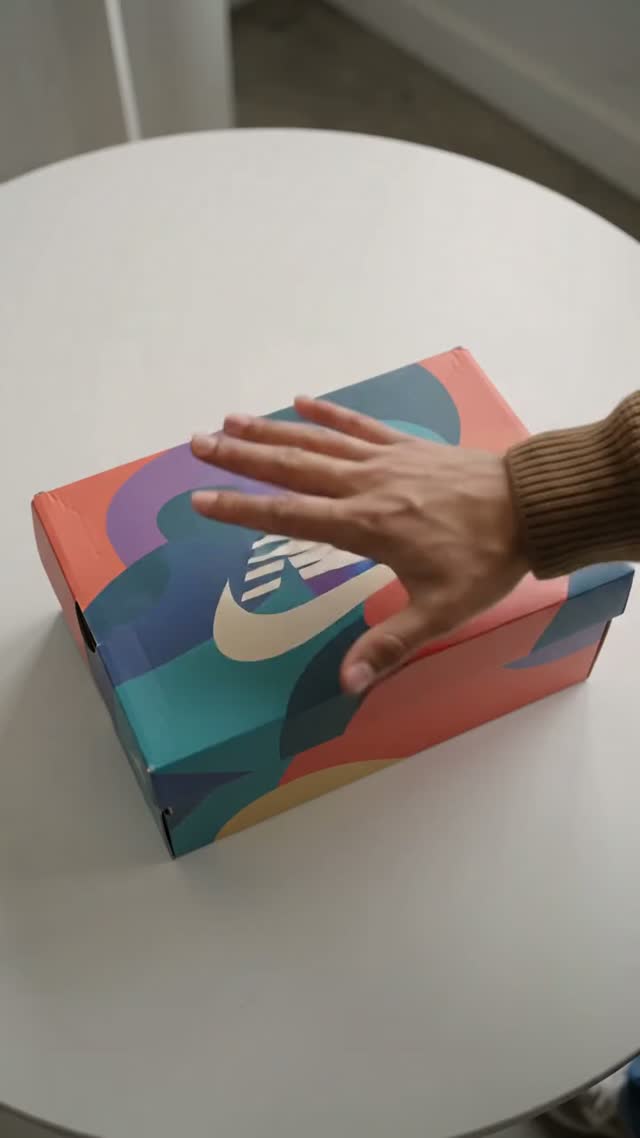
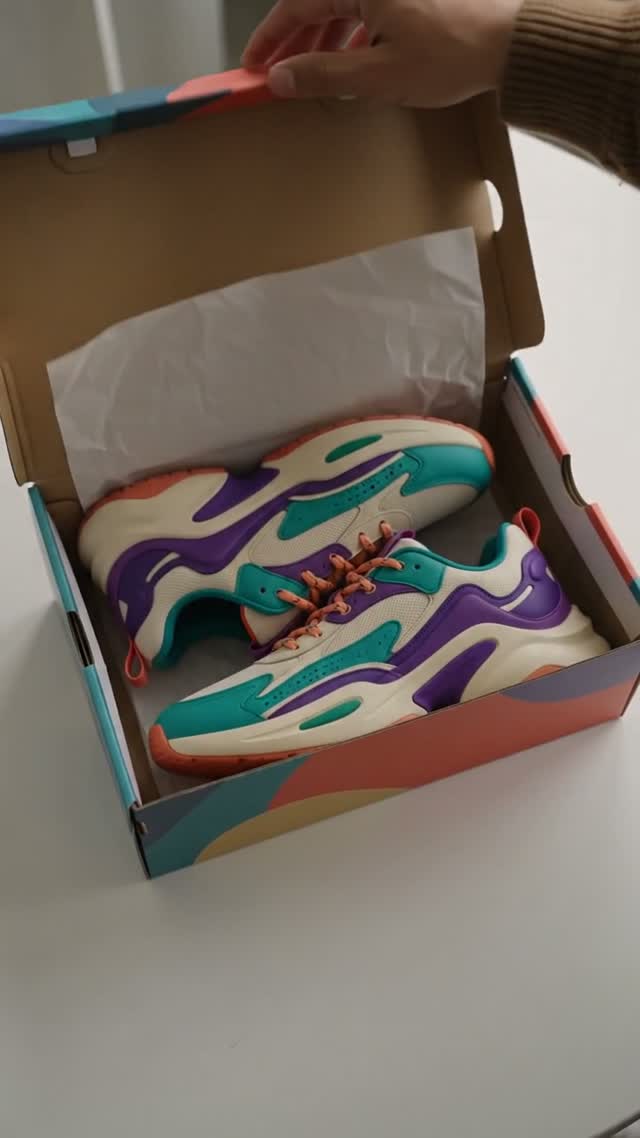
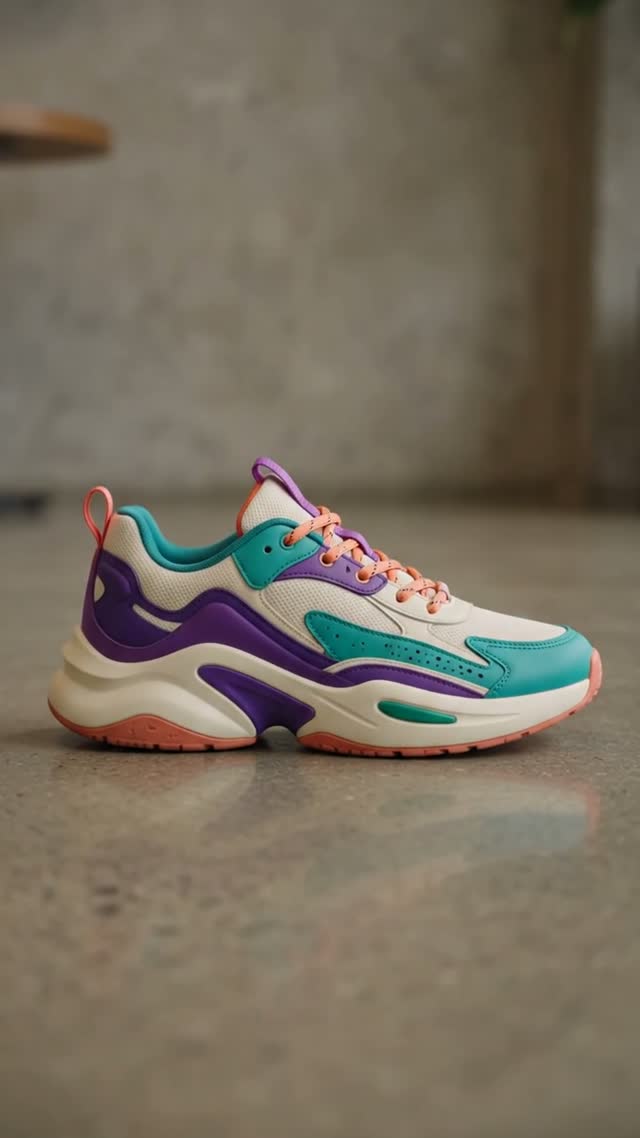
Existing ArtFlame.ai generated demo, approximately 10 seconds. It opens a sneaker box, cuts to a presenter, then shows the shoe outside the box. These are output frames, not original input references. The original prompt, source images and generation settings are unavailable; this is a shot-review example, not a measured product-fidelity test. Visual demonstration only; audio is omitted.
Choose references that explain the product
Use an in-focus product photo with readable packaging, clean edges and enough space around the object. Include packaging references when the workflow supports them. A product-only photograph does not tell the model what the box, inserts or hidden surfaces look like. If those details matter, supply them or choose a reveal that avoids them.
Plan one action
Begin with a box opening or a product reveal, rather than a full sequence of hands removing inserts, assembling the product and demonstrating it. Each interaction adds another detail to inspect. Define the starting composition, one movement, and the final product view.
| Beat | Visual direction | Review question |
|---|---|---|
| Opening | Packaging visible on a plain surface | Does it match the supplied reference? |
| Reveal | Lid opens with restrained movement | Are hands, hinges and edges plausible? |
| Finish | Product holds in a clear final composition | Are labels and proportions intact? |
Generate a short controlled test
Open Ad Studio, choose the unboxing direction, and add your source assets. Check the selected workflow's model, duration, aspect ratio and displayed credit cost before submitting. Available controls and access depend on the model and plan.
Start with a prompt like this, adapting the physical details to your real packaging:
A restrained product-unboxing concept using the supplied product and packaging references. Plain tabletop, soft light, fixed camera. The lid opens slowly and reveals the product in its insert. End with a steady product view. Preserve the visible label layout, product proportions and packaging colors. No added accessories, duplicate products or camera cuts.
This prompt describes a test, not a guarantee of exact reproduction. If the source does not show an insert or lid mechanism, revise the action instead of asking the model to guess essential details.
Review before choosing a variation
Watch the entire clip and inspect opening, middle and final frames. Check label spelling, logo shape, product count, packaging construction, hands and contact shadows. Reject a clip if it invents included accessories or changes the product's physical design. A clean final frame does not repair misleading intermediate frames.
If the reveal fails, simplify the motion or use a partly open package as the starting reference. Keep the same source while changing one instruction so you can identify what helped.
Turn the accepted concept into an ad
Add only claims you can support. Keep the product visible, leave room for captions and review the final crop. A generated opening should never be presented as an independent customer's real experience.
For broader shot planning, read product video from photos. For prompt controls, use the ArtFlame.ai guides. Start your first short reveal in Ad Studio.
Frequently asked questions
Can one photo be enough?
It can support a simple concept, but unseen packaging and geometry may be invented.
Will my label stay exact?
No. Review every usable segment and reject altered branding.
What does it cost?
Check the current estimate for your selected model and duration before generation. Retries also consume credits.